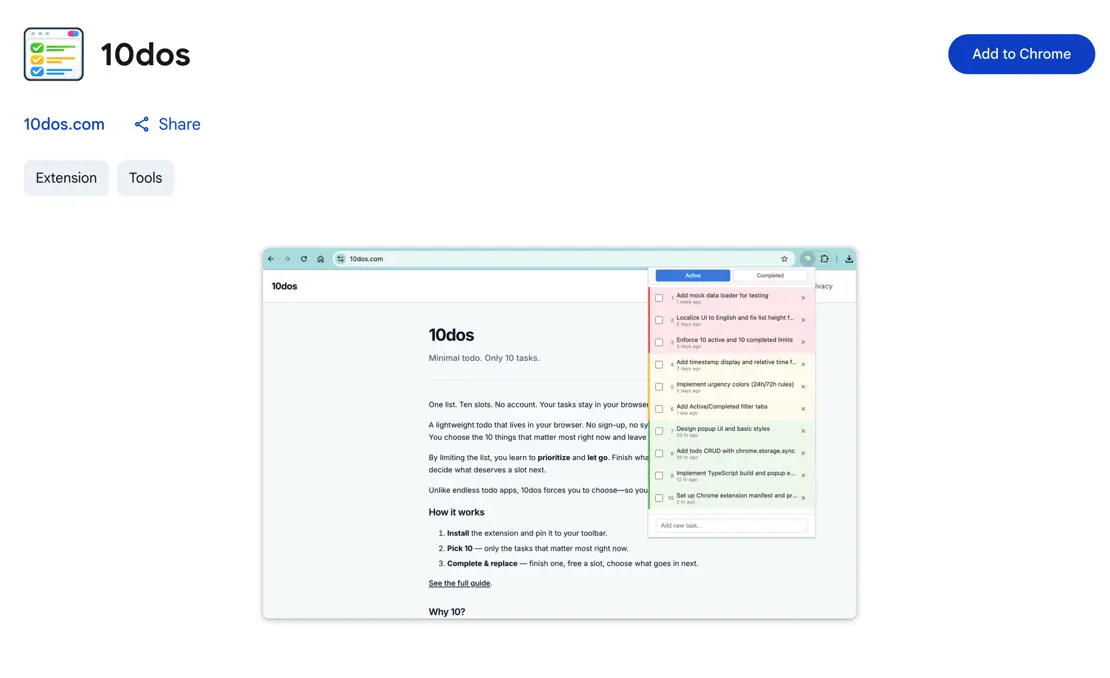
Install the 10dos extension and keep only the 10 tasks that count.
- Open the Chrome Web Store link below.
- Click Add to Chrome (or Install).
- Confirm when prompted.
- Pin the extension to your toolbar (optional) and start adding your 10 tasks.
No sign-up required. Your tasks stay only on your device.